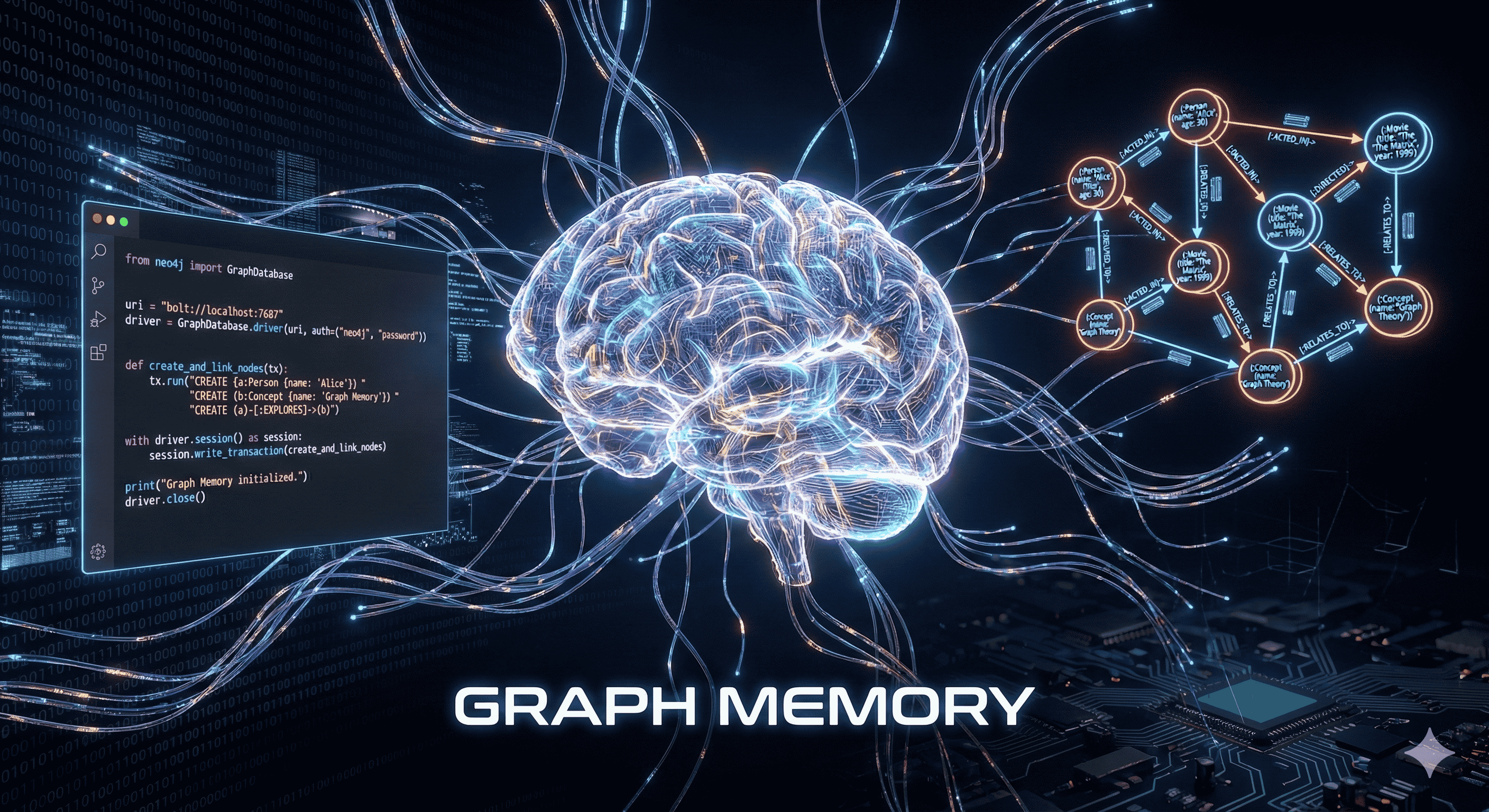
Before diving into this guide, it's highly recommended to read these foundational articles:
How AI Memory Works: Context Window, STM & LTM - How AI Memory Works: Context Window, STM & LTM | Letsthink
How to Give Your AI Agent Long-Term Memory (Python, Mem0, Qdrant) - How to Give Your AI Agent Long-Term Memory (Python + mem0 + Qdrant) | Letsthink
Discover how to upgrade your AI agent's memory by integrating a Graph Store. This tutorial walks you through connecting Neo4j with Mem0 to enable structured, relationship-aware memory using Cypher queries.
Complete Content
Artificial Intelligence is evolving rapidly, and one of the most exciting frontiers is Long-Term Memory. While Vector Stores (like Qdrant) are excellent for semantic search, they sometimes miss the structured relationships between data points. Enter Graph Stores.
In this guide, we'll explore how to integrate Neo4j, a powerful graph database, with Mem0 to give your AI agents the ability to understand and query complex relationships.
Why Graph Stores?
Vector databases store data as embeddings, which are great for "fuzzy" matching. Graph databases, on the other hand, store data as Nodes and Relationships. This structure mimics how the human brain connects concepts.
For example, instead of just remembering "User likes Python", a Graph Store remembers: (:User {id: "user1"}) -[:LIKES]-> (:Topic {name: "Python"})
This allows for:
Structured Reasoning: Tracing paths between concepts.
Complex Queries: Answering questions like "What other topics are related to Python that the user also likes?"
Data Integrity: Maintaining consistent facts.
The Stack
Python: The programming language.
Mem0: The memory layer for LLMs.
Neo4j: The graph database provider.
Qdrant: The vector store (for hybrid memory).
OpenAI: The LLM and Embedder.
Configuration
To enable the Graph Store in Mem0, we need to update our configuration dictionary. Here is the setup using the neo4j provider:
config = {
    "version": "v1.1",
    "embedder": {
        "provider": "openai",
        "config": {
            "api_key": OPENAI_API_KEY,
            "model": "text-embedding-3-small"
        }
    },
    "llm": {
        "provider": "openai",
        "config": {
            "api_key": OPENAI_API_KEY,
            "model": "gpt-4o-mini"
        }
    },
    "graph_store": {
        "provider": "neo4j",
        "config": {
            "url": NEO_CONNECTION_URI,
            "username": NEO_USERNAME,
            "password": NEO_PASSWORD
        }
    },
    "vector_store": {
        "provider": "qdrant",
        "config": {
            "host": "localhost",
            "port": 6333,
        }
    }
}
Understanding Cypher Queries
When Mem0 interacts with Neo4j, it uses Cypher, Neo4j's query language. It's like SQL but for graphs.
When you save a memory, Mem0 analyzes the text and extracts entities and relationships. It then constructs a Cypher query to insert this data.
For instance, if the input is "Alice works at Google", the underlying Cypher query might look something like this:
cypher

MERGE (p:Person {name: "Alice"})
MERGE (c:Company {name: "Google"})
MERGE (p)-[:WORKS_AT]->(c)
This ensures that "Alice" and "Google" are unique nodes and establishes a generic relationship between them.
Running the Code
With the configuration in place, initializing the memory is straightforward:
mem_client = Memory.from_config(config)
Now, when you add messages, Mem0 automatically handles the complexities of updating both the Vector Store (for similarity search) and the Graph Store (for structural knowledge).
Conclusion
By combining Vector and Graph stores, you get the best of both worlds: the broad conceptual understanding of vectors and the precise, logical structure of graphs. This hybrid approach allows for building truly intelligent agents that remember not just what happened, but how everything is connected.