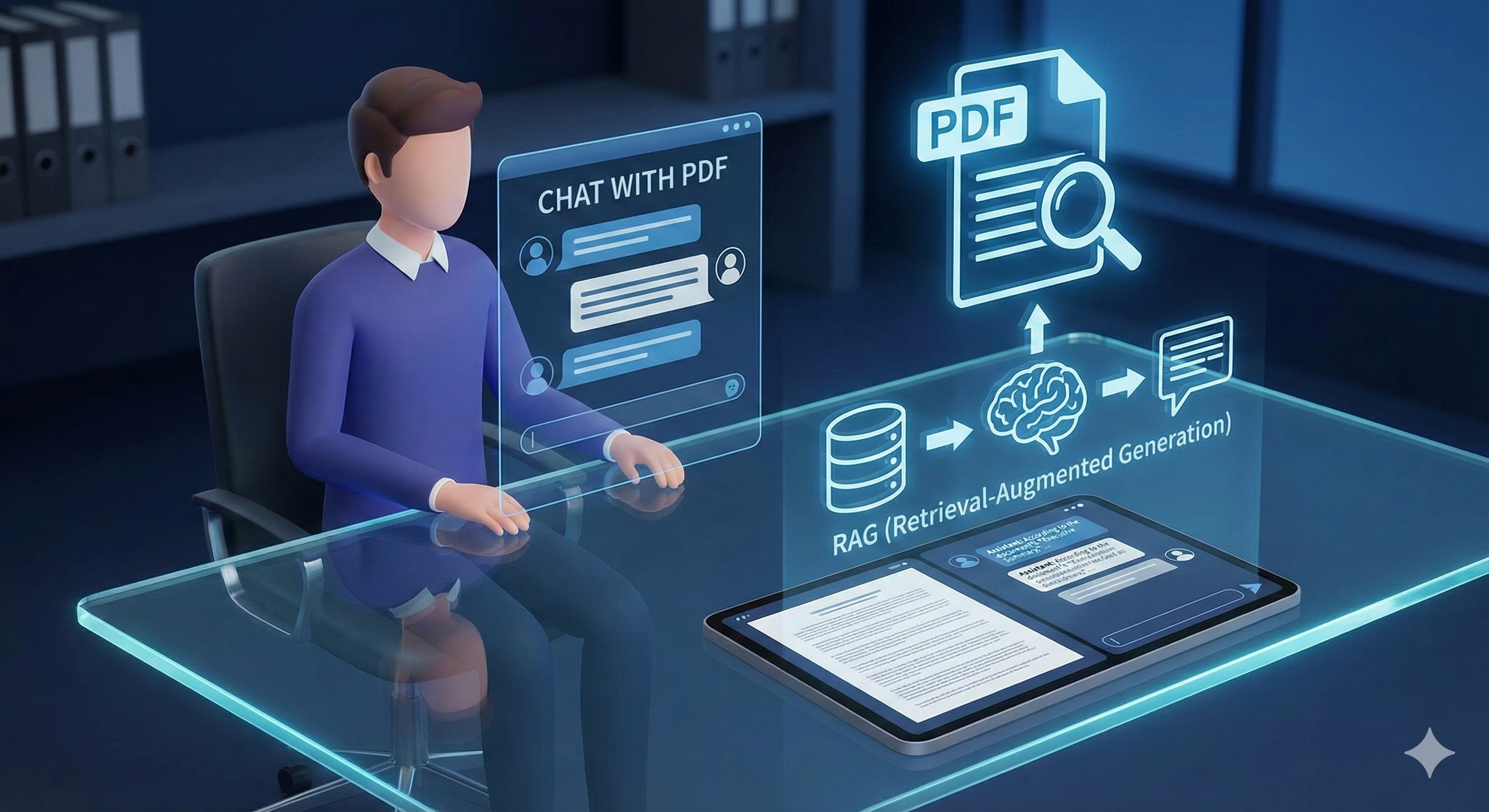
Problem Statement That RAG Will Solve -
Let’s assume you work for a business that has lots of data in the form of PDFs, databases, Excel files, and other formats.
As an example, imagine you have many PDF files. The business says to you: “We have a huge amount of data, and it’s very hard to read word by word manually to see what content is available in which file and where. This requires a lot of manual effort.”
Now, they ask you: “Can you build an AI agent? Since we have a lot of data and many employees, we don’t want them to go through each document manually one by one — it’s too time-consuming. Instead, they should be able to ask an LLM questions and get answers from the available documents.”
Essentially, you need a way to tell ChatGPT (or any LLM) that you have a specific set of files so it can answer queries related to those documents.
The challenge is that the LLM has no prior knowledge of your private data — it’s only trained on public information.
Additionally, you have another problem: you have too much data to feed directly into the LLM, because it can only accept a limited context window.
This is a typical problem that can be solved using RAG (Retrieval-Augmented Generation).

RAG- Retrieval augmented generation, or RAG, is an architecture for optimizing the performance of an artificial intelligence (AI) model by connecting it with external knowledge bases. RAG helps large language models (LLMs) deliver more relevant responses at a higher quality.
Solution 1-
Let's we have data in pdf format - just convert all pdf file into text and provide that text to LLM as a system prompt. and it work Definitely .
Problem with Approach:
1-Cost
2-Context Window

Best Approach RAG Say- You can divide this in two phases
- Indexing Phase (When User Provides The data)
- Retrieval Phase (When User Chatting with data)
Note: These two are completely diff to each other
What is an indexing phase- Basically you ask user to upload the data once get data -> chunking (You can do page level it's up to you).
after chunking these data, you have used an embedding model for vector embedding. vector embedding save into a vector db. with meta data information (page no, datasets)
we converted all our data into smaller vectors and saved into db.

What is a retrieval Phase - User Give a query. we will use same embedding model to convert this query to vector embedding. then search in vector db. (similarity search) db. will return relevant chunk (thing we have 100k chunks, but we need only 2 chunks) after getting chunk just pass these chunks to LLM model with system prompt and use query. LLM will return proper response with meta data (page number and all)

Let's Code: -
1- Let's Start with Creating Our Virtual Environment I love to code in isolated environment -
Step 1- initialize
python -m venv rag
Step 2 -Activate
rag\Scripts\activate
2- Setup Vector db.
Step 1- Creating compose file for setup vector db. (Quadrant)
Filename: docker-compose.ym
services:
  vector-db:
    image: qdrant/qdrant
    ports:
      - "6333:6333"
Step 2 -Pull and run in detached mode
docker compose up -d
3- Lang Chain - a lot of functionality give in Lang Chain -
- we need to read documents from file - Lang chain have a function for this
- we need to chuck or split our data - Lang chain have a function for this
- we need to connect our vector db. - Lang chain have a function for this
a lot of functionality already given by Lang chain that made our life very easy 😁. we are going to use that
Step 1- Search for document Loder Lang chain and install for pdf
pip install -qU langchain-community langchain-openai pypdf langchain-qdrant
pip install dotenv
Step 2- Quickly Freez the Requirements
pip freeze > requirements.txt
Starting with Indexing Phase
Note: Downloads any pdf from internet
Step 1- We need to Load Our Document:
Create New File: index.py
#indexing data
from dotenv import load_dotenv
from pathlib import Path
from langchain_community.document_loaders import PyPDFLoader
from langchain_text_splitters import RecursiveCharacterTextSplitter
from langchain_openai import OpenAIEmbeddings
from langchain_qdrant import QdrantVectorStore
load_dotenv()
pdf_path=Path(__file__).parent /"mongoose.pdf"

#Load this file into python program
loader=PyPDFLoader(file_path=pdf_path)
docs= loader.load()

#split the docs into smaller chunks

text_splitter = RecursiveCharacterTextSplitter(chunk_size=500, chunk_overlap=400)
chunks = text_splitter.split_documents(documents=docs)


#  Vector Embdeding
embedding_model = OpenAIEmbeddings(
    model="text-embedding-3-large",
    )

vector_store=QdrantVectorStore.from_documents(
    documents=chunks,
    embedding=embedding_model,
    url="http://localhost:6333",
    collection_name="learning123"
)
Step 2: Create. env
OPENAI_API_KEY="Your api key"
Step 3: run
python index.py
step 4: open vector store
http://localhost:6333/dashboard#/collections
you will see collection:

Congrats indexing phase done 🔥
Retrieval Phase
Step 1- Create chatpdf.py file
from dotenv import load_dotenv
from langchain_openai import OpenAIEmbeddings
from langchain_qdrant import QdrantVectorStore
from openai import OpenAI
load_dotenv()

openai_client= OpenAI()

#  Vector Embdeding
embedding_model = OpenAIEmbeddings(
    model="text-embedding-3-large",
    )

vector_db=QdrantVectorStore.from_existing_collection(
    embedding=embedding_model,
    url="http://localhost:6333",
    collection_name="learning_rag"
)

#take user iput
user_query=input("Ask Something: ")

#RElevent chunks from the vector db
search_result= vector_db.similarity_search(query=user_query)

context="\n\n\n".join([f"Page Content:{result.page_content}\nPage Number:{result.metadata['page_label']}\nFile Location:{result.metadata['source']}" for result in search_result ])

SYSTEM_PROMPT= f"""
 You are a helpful AI Assistant who answers user_query based on the available context retrived from a PDF file along with page_contents and page number.

 You Should only ans the user based on the following context and navigate the user to open the right page number to know more.

 Context:
 {context}

"""
response= openai_client.chat.completions.create(
     model="gpt-5",
     messages=[
          {"role":"system", "content": SYSTEM_PROMPT},
           {"role":"user", "content": user_query}
     ]
)
print(f"🤖: {response.choices[0].message.content}")
Step 2: run this file
python chatpdf.py
Step 3: Ask Query Like I am asking -
Can you share me details configuration in MongoDB?

you can see its giving me response from our document with page name where he got the details.
Congratulations! Your RAG system is fully functional!
Indexing Phase: Complete - Documents are processed and stored in vector database
Retrieval Phase: Complete - Users can now query documents intelligently
RAG Solution: Implemented - Solves the manual document search problem
Note: This implementation is synchronous and for demonstration purpose only
Will be covered in the next blog:
For production:
- The system will be converted to an asynchronous implementation using Fast API.
- A Redis-based queue will be used, along with Redis for caching and background task processing.