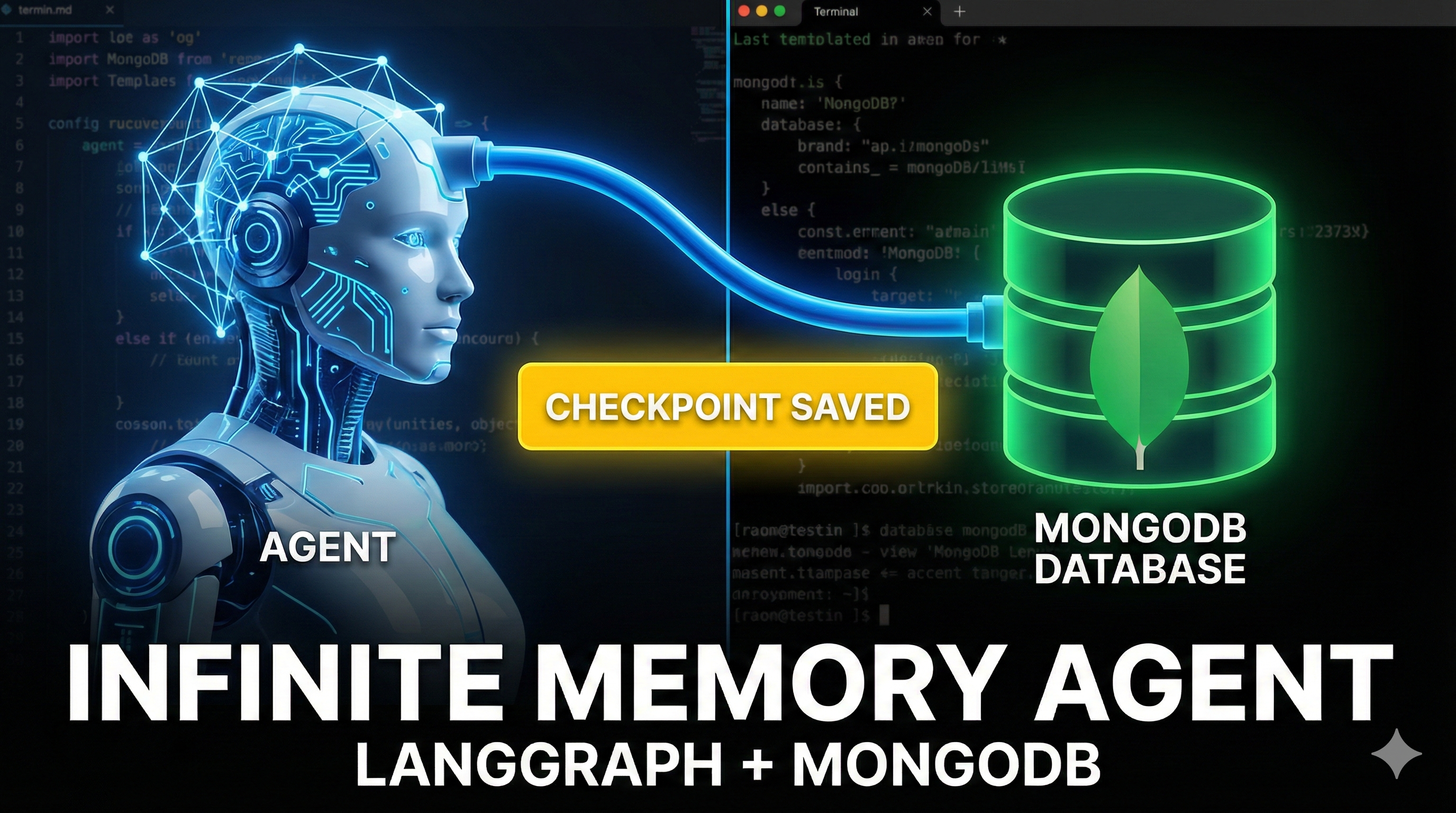
Imagine an AI agent that doesn't just answer questions but actively researches them, browses the web, gathers data, and synthesizes reports. Now, imagine that agent crashes halfway through a complex task. In most simple scripts, that progress is gone forever.
Today, we’re going to solve that. We will build a Crash-Proof Research Agent that uses LangGraph for workflow orchestration and MongoDB as a persistent memory layer. This allows your agent to save its state after every step, enabling pause-and-resume functionality and robust error recovery.
The Tech Stack
- LangGraph: For defining the cyclical workflow (Researcher ⇆ Summarizer).
- Tavily API: For high-quality, AI-optimized web search results.
- MongoDB: To serve as our "Checkpointer," saving the agent's state automatically.
- OpenAI GPT-4o: The intelligence parsing the data.
1. Defining the Agent State
First, we need to define the "brain" of our agent. In LangGraph, this is called the State. It's a simple dictionary that holds the information passing between our nodes.
In agent.py, we define a state that tracks the user's query, the raw research_data collected so far, and the final summary.
from typing import TypedDict, Annotated, List
import operator

class AgentState(TypedDict):
    query: str
    # 'operator.add' ensures new research notes are appended, not overwritten
    research_data: Annotated[List[str], operator.add]
    summary: str
2. Creating the Worker Nodes
Our agent has two distinct skills (nodes):
- Researcher: Uses the Tavily Search API to find information.
- Summarizer: Uses GPT-4 to write the final report.
Here is the implementation of the Researcher node:
def researcher(state: AgentState):
    print(f"--- RESEARCHING: {state['query']} ---")
    query = state["query"]

    try:
        # Search the web for the top 3 results
        results = tavily.search(query=query, max_results=3)["results"]
        data = [f"Source: {r['url']}\nContent: {r['content']}" for r in results]
    except Exception as e:
        data = [f"Error searching: {str(e)}"]

    return {"research_data": data}
And the Summarizer node:
def summarizer(state: AgentState):
    print("--- SUMMARIZING ---")
    data = "\n\n".join(state["research_data"])
    prompt = f"""
    You are a professional researcher. Summarize the following data into a concise report for the query: '{state['query']}'.

    Data:
    {data}
    """
    response = llm.invoke([HumanMessage(content=prompt)])
    return {"summary": response.content}
3. Building the Graph
We wire these nodes together using StateGraph. This defines the flow of execution: Start -> Research -> Summarize -> End.
workflow = StateGraph(AgentState)

workflow.add_node("researcher", researcher)
workflow.add_node("summarizer", summarizer)

workflow.set_entry_point("researcher")

workflow.add_edge("researcher", "summarizer")
workflow.add_edge("summarizer", END)
4. The Magic: MongoDB Persistence
This is where we upgrade from a simple script to a robust application. Instead of running the graph solely in memory, we compile it with a MongoDB Checkpointer.
This saves a "checkpoint" of the AgentState to your database after every single node execution.
import os
from pymongo import MongoClient
from langgraph.checkpoint.mongodb import MongoDBSaver
from agent import workflow

def main():
    mongo_uri = os.getenv("MONGODB_URI", "mongodb://localhost:27017")

    # 1. Connect to MongoDB
    client = MongoClient(mongo_uri)

    # 2. Setup Checkpointer
    # This automatically handles saving/loading state to Mongo
    checkpointer = MongoDBSaver(client=client)

    # 3. Compile Graph with persistence
    app = workflow.compile(checkpointer=checkpointer)

    # 4. Run with a specific Thread ID
    thread_id = "youtube-demo-thread-1"
    config = {"configurable": {"thread_id": thread_id}}

    topic = input("Enter a research topic: ")

    for event in app.stream({"query": topic}, config=config):
        for k, v in event.items():
            print(f"Finished Node: {k}")
Why This Matters?
By using a thread_id (like "youtube-demo-thread-1"), you create a persistent session.
- Crash Recovery: If your script errors out during the "Researcher" phase, you can fix the bug and restart the script. The agent will check MongoDB, see that "Researcher" already finished, and skip straight to "Summarizer".
- Async Workflows: You could trigger the research, stop the server, and resume the summary generation hours later efficiently.
Conclusion
Combining LangGraph with MongoDB gives your AI agents long-term memory and resilience. It turns fragile Python scripts into production-grade systems capable of handling long-running, complex tasks.